
If you’ve typed “Foxtel IPTV” into Google, you’re probably trying to figure out one of two things: either you want to know whether Foxtel actually uses IPTV technology, or you’ve seen the term “Foxtel IPTV” being used by third-party services offering cheap access to Foxtel channels and you want to know if that’s legitimate.
Let’s clear this up right away, because it matters. Foxtel — Australia’s biggest pay-TV company — is not, technically speaking, an IPTV provider in the way that term is usually used online. Foxtel delivers its channels through satellite (Foxtel iQ), and it separately runs its own official streaming apps, including Foxtel GO, that deliver television over the internet. That second part — TV over the internet — is where the “IPTV” search term comes from, since IPTV literally means Internet Protocol Television.
In this guide, we’ll walk through what Foxtel IPTV actually means, how Foxtel’s streaming services work under the hood, which devices they support, how they compare with cable and satellite, what internet speed you need for HD and 4K, and — importantly — how to tell a legitimate Foxtel streaming subscription from an unauthorized “IPTV” reseller claiming to offer the same content for a fraction of the price. By the end, you’ll know exactly how to watch Foxtel content legally, on the device of your choice, without buffering headaches or legal risk.
What Is Foxtel IPTV?
IPTV stands for Internet Protocol Television. Instead of receiving channels through a satellite dish, an aerial, or a coaxial cable line, an IPTV service sends the video signal to your device as data packets over a standard internet connection. That’s the same basic principle Netflix, YouTube, and Stan use — just applied to live, scheduled television channels rather than only on-demand libraries.
So does Foxtel use IPTV? In a broad sense, yes — Foxtel’s streaming apps (like Foxtel GO) function on the same underlying internet-delivery principle as any IPTV service. You log in, the app authenticates your subscription, and live channels plus on-demand titles are streamed to your device over broadband. In that sense, Foxtel’s streaming arm is a form of managed IPTV, since it delivers live TV over an IP network rather than satellite dish.
Where it differs from generic or unofficial “IPTV” services is in how the content rights are licensed. Foxtel owns or licenses the broadcast rights to its channels directly from studios, sports leagues, and networks. A generic IPTV reseller advertising “Foxtel channels included” for a low monthly fee is, in almost every case, retransmitting that licensed content without authorization — which is a completely different and legally risky proposition, something we’ll cover in detail further down.
Internet Delivery vs Satellite Delivery
Foxtel actually operates two separate delivery methods side by side:
- Foxtel iQ (satellite): Requires a satellite dish installed at your property, a set-top box, and typically a contract term. The signal arrives via satellite broadcast, independent of your home internet connection (aside from on-demand features).
- Foxtel streaming (Foxtel GO / former Foxtel Now): Delivered entirely over your internet connection. No dish, no technician visit, no box required — just an app on a compatible device.
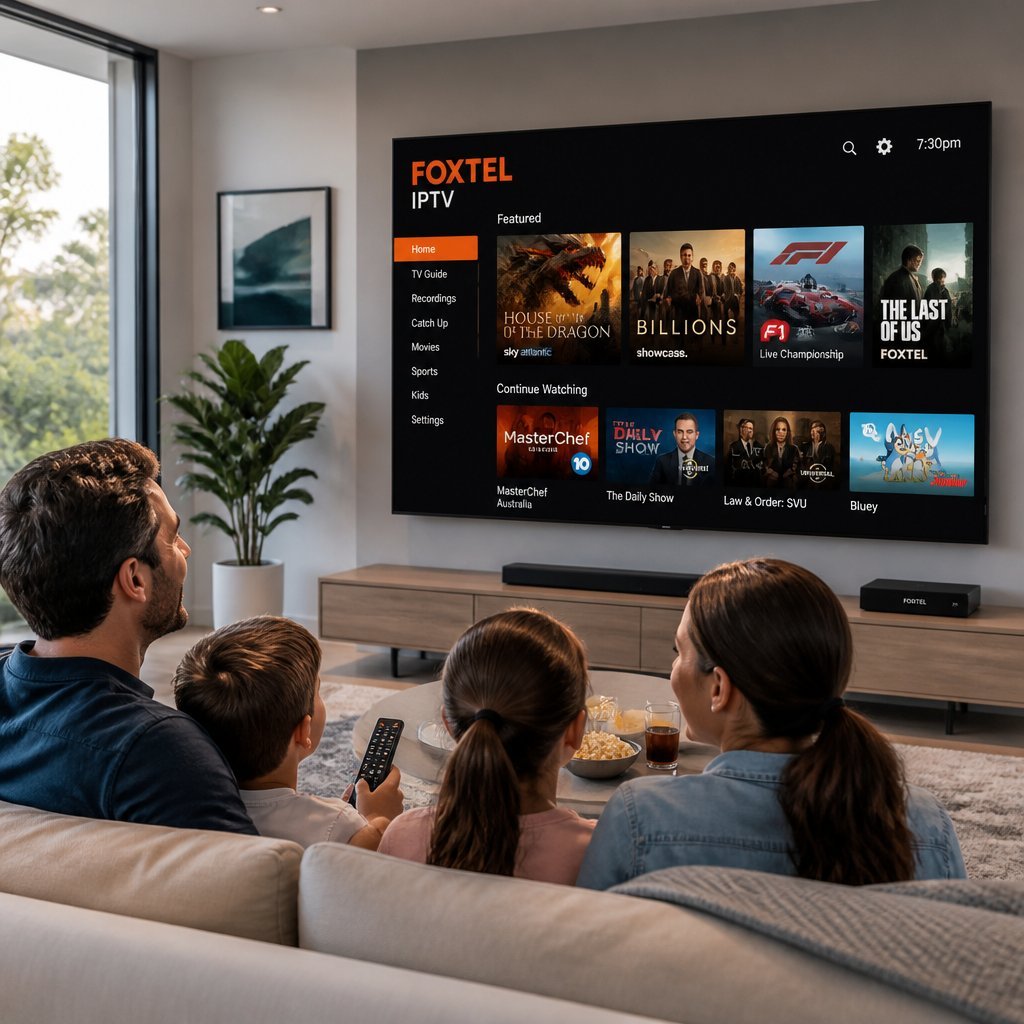
This is the core distinction people are really asking about when they search “Foxtel IPTV” — they want the internet-delivered version, not the satellite dish version.
How Foxtel Streaming Works
Foxtel’s internet-delivered service bundles a handful of components together to recreate the traditional pay-TV experience without hardware installation.
Live Channels
Foxtel streams a schedule of live channels — sport, movies, entertainment, news, documentaries, and kids’ programming — the same way a broadcast channel would air on a set schedule. You choose a channel and watch what’s currently airing, just like flicking through channels on a regular TV.
On-Demand Library
Alongside live channels, subscribers get access to an on-demand catalogue: full past seasons, movies, and shows that you can start, pause, and resume whenever you like. This is the part of the service that behaves most like Netflix or Stan.
Cloud and Continue-Watching Features
Modern Foxtel streaming apps sync your viewing progress across devices. Start an episode on your phone during your commute, and pick up right where you left off later on your smart TV. Personal watchlists and viewing history are stored against your account rather than a single device.
Streaming Quality
Picture quality on Foxtel’s streaming apps depends heavily on your device, your Wi-Fi setup, and your internet plan. Streams over Wi-Fi generally support HD, while mobile data connections are often capped to standard definition by default to save mobile data allowances. Not every channel or title is available in HD, and 4K support is limited compared with dedicated 4K-first services.
Internet Requirements
Because everything travels over your home broadband, a stable connection matters more than a fast one. Drop-outs cause buffering and re-buffering far more often than a slightly slower but consistent connection does. We’ll cover recommended speeds in detail shortly.
Foxtel Go vs Foxtel Now
This comparison trips a lot of people up, partly because Foxtel itself has changed how these two apps work over time. Historically, Foxtel Now was a standalone streaming subscription you could buy directly, with no Foxtel iQ box needed, while Foxtel Go was a free companion app bundled in for existing Foxtel subscribers to watch on mobile devices. More recently, Foxtel consolidated the two, migrating Foxtel Now customers across to the Foxtel GO app as a single unified streaming product. If you’re comparing the two today, here’s how they historically differed and how that legacy still shows up in comparisons across the web:
| Feature | Foxtel Now (legacy standalone) | Foxtel Go (companion app) |
|---|---|---|
| Intended users | People without a Foxtel iQ box who want a standalone streaming subscription | Existing Foxtel iQ or Foxtel Now subscribers wanting mobile access |
| Device compatibility | Smart TVs, phones, tablets, streaming devices, PC/Mac | Phones, tablets, PC/Mac, some TV devices |
| Content | Channel packs chosen at signup | Mirrors whatever your linked subscription already includes |
| Pricing model | Paid monthly subscription, pick-your-packs | Included free with an existing Foxtel subscription |
| Offline viewing | Limited, title-dependent | Limited, title-dependent |
| Simultaneous streams | Typically 2 devices at once | Typically 2 devices at once |
If you’re subscribing fresh today, the practical takeaway is simple: check Foxtel’s current plan page before signing up, since the standalone “Foxtel Now” branding has been folded into Foxtel GO, and plan names and inclusions change periodically.
Supported Devices
One of the main reasons people search for Foxtel streaming options is device flexibility. Here’s where Foxtel’s apps generally work:
Smart TVs
Many current smart TVs, including several Samsung and LG models, support a native Foxtel app so you can log in directly without extra hardware.
Android TV
Foxtel’s apps are available through the Google Play Store on supported Android TV devices, letting you stream directly on your television without a separate streaming stick.
Apple TV
Apple TV owners can download Foxtel’s app through the Apple TV App Store, matching Apple’s tvOS support requirements for streaming apps.
Fire TV
Amazon Fire TV and Fire TV Stick devices can run compatible streaming apps through the Amazon Appstore, giving Fire TV owners another route into Foxtel content on the big screen.
Chromecast
Rather than a dedicated Chromecast app, most Foxtel streaming works by casting from your phone or tablet’s Foxtel app directly to a Chromecast-enabled TV.
iPhone and iPad
Foxtel’s iOS app supports both iPhone and iPad, syncing your watchlist and viewing progress across both devices under one account.
Android Phones
The Android version of the app mirrors the iOS experience, with live channels, on-demand titles, and downloads where supported.
Windows PCs and Mac
Browser-based streaming through Foxtel’s website covers Windows and Mac users who’d rather watch through a browser tab than install a dedicated app.
Key Features
Foxtel’s streaming platform is built around a handful of core pillars that show up again and again in how the service is marketed:
- Live TV across entertainment, movie, documentary, and news channels
- Sports streaming Australia coverage, including major domestic leagues and international events
- Movies, including new releases and studio libraries
- Entertainment channels covering drama, reality, and lifestyle programming
- Kids content, often ring-fenced into a dedicated, parent-friendly section
- News channels for rolling coverage
- HD support on compatible devices and connections, with 4K available for select content
- User profiles so different household members get their own recommendations and watchlists
- On-demand viewing for binge-friendly catch-up
- Multi-device support, typically two simultaneous streams per account
Benefits of Foxtel IPTV (Streaming)
Compared with the traditional satellite setup, Foxtel’s internet-delivered streaming apps offer a genuinely different experience for a specific type of viewer:
- Convenience — sign up online and start watching within minutes
- No satellite installation — no technician visit, no dish, no drilling
- Flexible viewing — watch live or catch up later, on your own schedule
- Cross-device access — start on one screen, continue on another
- Streaming quality — HD available on a good connection, with select 4K content
- Large content library — live channels plus a deep on-demand catalogue in one place
IPTV vs Traditional Cable & Satellite
| Factor | IPTV / Streaming | Traditional Cable/Satellite |
|---|---|---|
| Installation | None — download an app and sign in | Technician visit, dish or cable line required |
| Cost | Often lower, flexible monthly plans | Higher, often bundled with contracts |
| Flexibility | Cancel anytime, change plans easily | Contract lock-in periods common |
| Mobility | Watch on phones, tablets, laptops anywhere with internet | Fixed to the installed location |
| Internet dependency | Fully dependent on a stable connection | Independent of home broadband (aside from on-demand extras) |
| Channel availability | Depends on licensing agreements per app | Often the broadest live channel range |
| Picture quality | Varies with connection speed and stability | Generally consistent regardless of internet |
Neither approach is universally “better” — it depends on whether you value zero installation and mobility, or the consistency of a dedicated broadcast signal.
Internet Speed Recommendations
Streaming quality is only as good as your internet connection allows. Use this as a rough guide when planning your home broadband for streaming apps, IPTV players, and smart TV streaming generally:
| Quality | Recommended Speed |
|---|---|
| SD (Standard Definition) | 3–5 Mbps |
| HD (720p) | 5–10 Mbps |
| Full HD (1080p) | 10–15 Mbps |
| 4K Ultra HD | 25+ Mbps |
If multiple people in your household are streaming at once — one on a smart TV, another on a tablet — add these figures together rather than assuming the minimum will cover everyone.
Is Foxtel IPTV Legal?
Yes — watching Foxtel through its own official apps, whether that’s Foxtel GO or a satellite Foxtel iQ subscription, is completely legal. Foxtel holds direct licensing agreements with studios, sports leagues, and content owners, and your subscription fee is what funds those rights.
Where things get risky is with third-party “IPTV” services that advertise Foxtel channels, premium sports, or movie packages at a fraction of the official price. These unauthorized services are typically retransmitting broadcast signals without any licensing agreement with the rights holders — meaning the operators, and in some jurisdictions the users, can be exposed to copyright infringement issues. Beyond the legal risk, unauthorized services also tend to be unreliable, with channels disappearing without notice, no customer support, and no guarantee of ongoing access after you’ve paid.
The safest approach is straightforward:
- Subscribe directly through Foxtel’s official website or official app stores (Google Play, Apple App Store, Amazon Appstore)
- Avoid third-party sellers offering “Foxtel included” IPTV bundles at unusually low prices
- Check the Australian Communications and Media Authority (ACMA) for guidance on legitimate broadcasting and streaming services in Australia
- Treat login credentials shared or resold outside official channels as a red flag, not a bargain
Copyright protections exist so that the people who make the sport, films, and shows you watch actually get paid for that work. Sticking to authorized providers is both the legally sound choice and, in practice, the more reliable one.
Common Problems and Solutions
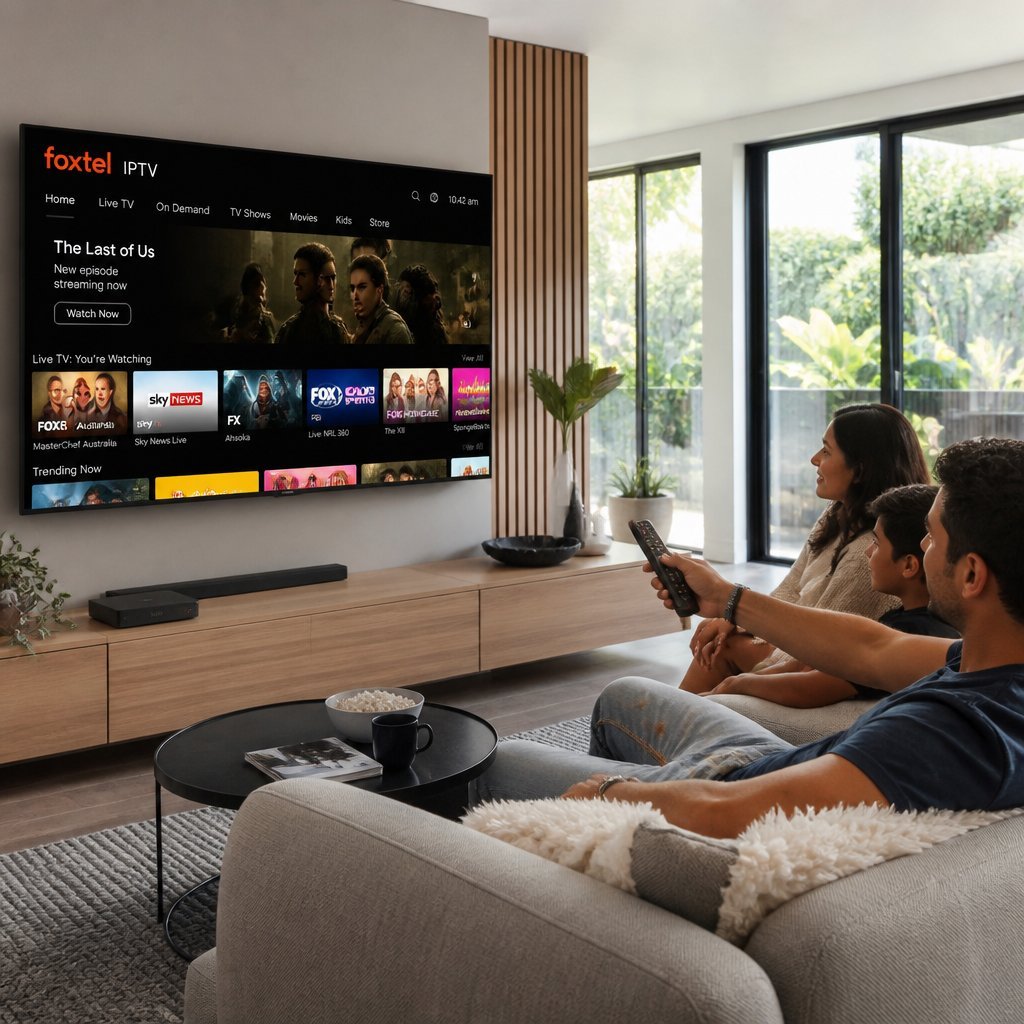
Streaming apps are convenient, but they’re not immune to hiccups. Here’s how to troubleshoot the issues that come up most often.
Buffering
Buffering almost always points to an inconsistent internet connection rather than a slow one. Move closer to your router, switch to a 5GHz Wi-Fi band if your router supports it, or plug in an ethernet cable for a wired connection to your streaming device.
Login Issues
If your login isn’t working, double-check that your subscription is active and that you’re entering your Foxtel ID correctly rather than an old email address. A password reset through the official app or website usually resolves stuck logins.
Poor Wi-Fi
Weak Wi-Fi signal at your streaming device is one of the most common causes of dropped streams. Repositioning your router centrally in the home, reducing the number of walls between router and device, or adding a Wi-Fi extender can make a noticeable difference.
Device Compatibility
Older smart TVs or streaming boxes sometimes fall behind on app support. If your device no longer receives app updates, casting from a phone or tablet via Chromecast is a reliable workaround.
App Crashes
Crashing apps are often fixed by clearing the app’s cache, checking for a pending app update, or — as a last resort — uninstalling and reinstalling the app fresh.
Playback Errors
Playback errors that mention an error code are usually documented on Foxtel’s own support pages. Restarting the app, restarting your router, and confirming your subscription status covers the majority of cases.
Tips for the Best Streaming Experience
- Use a wired connection where possible, especially for smart TVs and consoles, since ethernet avoids Wi-Fi interference entirely
- Position your router centrally and away from thick walls or large metal objects
- Keep devices and apps updated so you’re not missing performance fixes or new features
- Match your plan to your usage — if you’re regularly streaming 4K on multiple devices, make sure your internet plan actually supports that combined load
- Adjust streaming quality settings manually if you’re on a capped or slower connection, rather than letting buffering interrupt your viewing
- Restart your router periodically — it sounds basic, but it resolves a surprising share of connectivity issues
Frequently Asked Questions
What is Foxtel IPTV? “Foxtel IPTV” usually refers to watching Foxtel content through the internet rather than a satellite dish. Foxtel’s own streaming apps deliver live channels and on-demand titles over your broadband connection, which is the same basic principle IPTV technology uses.
Does Foxtel stream over the internet? Yes. Alongside its traditional satellite service (Foxtel iQ), Foxtel runs streaming apps that deliver live TV and on-demand content over the internet to phones, tablets, computers, and connected TVs.
Is Foxtel Go free? Foxtel GO is included at no extra cost for existing Foxtel subscribers, whether you’re on a satellite Foxtel iQ plan or a streaming-only plan. You do need an active paid subscription to use it — it isn’t a free standalone service.
What is Foxtel Now? Foxtel Now was Foxtel’s standalone streaming subscription that didn’t require a satellite dish or set-top box. It has since been consolidated into the Foxtel GO app, so new subscribers typically sign up through Foxtel GO today.
Can I watch Foxtel on Smart TV? Yes, many current smart TV models support a native Foxtel app, and older models can usually still access Foxtel content by casting from a phone or tablet.
Does Foxtel support 4K? Select content is available in 4K, but coverage isn’t universal across the whole catalogue. Picture quality also depends on your device’s capabilities and your internet speed.
Can I watch on multiple devices? Yes, Foxtel’s streaming apps generally allow two simultaneous streams per account, letting two people in the same household watch different content at once.
What internet speed is recommended? For smooth HD streaming, aim for at least 10 Mbps; for 4K, aim for 25 Mbps or higher, especially if other people in your home are online at the same time.
Is Foxtel legal? Yes, Foxtel is a fully licensed Australian broadcaster and streaming provider. It’s unauthorized third-party “IPTV” resellers claiming to include Foxtel channels that carry legal risk, not Foxtel’s own official service.
Can I use Foxtel while traveling? Foxtel’s apps are generally designed for use within Australia, and access while overseas can be restricted due to content licensing agreements tied to specific regions.
What’s the difference between satellite and streaming? Satellite (Foxtel iQ) delivers your channels via a dish and set-top box independent of your home internet, while streaming apps like Foxtel GO deliver everything over your broadband connection with no hardware installation.
Does Foxtel work on Fire TV? Compatible streaming apps can run on Amazon Fire TV devices through the Amazon Appstore, though exact app availability can vary by device generation — it’s worth checking the Appstore listing for your specific model.
Can I cast to Chromecast? Yes, you can cast from the Foxtel mobile app on your phone or tablet directly to a Chromecast-enabled television.
Is there an app for Apple TV? Foxtel offers an app through the Apple TV App Store for supported tvOS versions, letting Apple TV owners stream directly on their television.
Which streaming option is best? It depends on what you value. If you want zero installation and full mobility, Foxtel’s streaming apps are the better fit. If you want the broadest live channel range with consistent quality regardless of your home internet, satellite Foxtel iQ may suit you better.
Conclusion
“Foxtel IPTV” is really shorthand for one simple idea: watching Foxtel over the internet instead of through a satellite dish. Foxtel’s official streaming apps deliver that experience — live channels, a deep on-demand library, and cross-device access — without any installation, while its traditional Foxtel iQ satellite service remains available for people who want the broadest live channel line-up independent of their home broadband.
Whichever route you choose, device compatibility is broad, covering smart TVs, Android TV, Apple TV, Fire TV, Chromecast, phones, tablets, and computers, and streaming quality scales up to HD and select 4K content given a stable enough connection. The one thing worth being firm about is sticking to Foxtel’s official apps and authorized retailers rather than unlicensed “IPTV” resellers advertising Foxtel channels at suspiciously low prices — the official route is both the legal one and, in practice, the more reliable one.
Take a look at Foxtel’s current plans, compare the streaming option against the satellite option, and choose whichever setup actually fits how and where you like to watch.